HTML TEXT FORMATTING
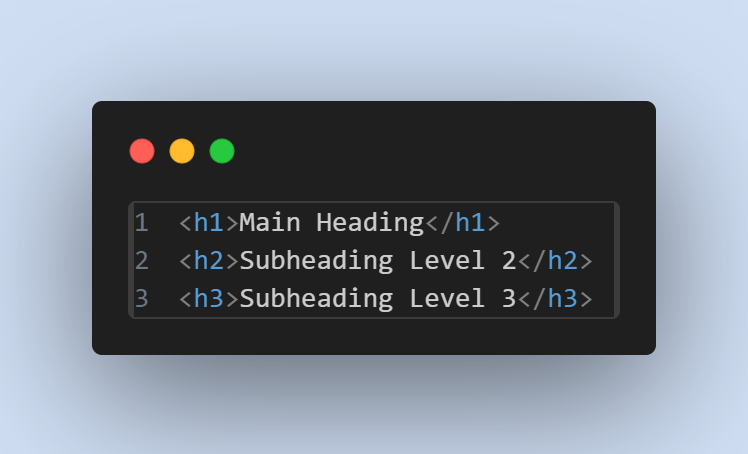
1. Headings
HTML provides six levels of headings (<h1> to <h6>) for
creating
titles and sub-titles.
2. Paragraphs
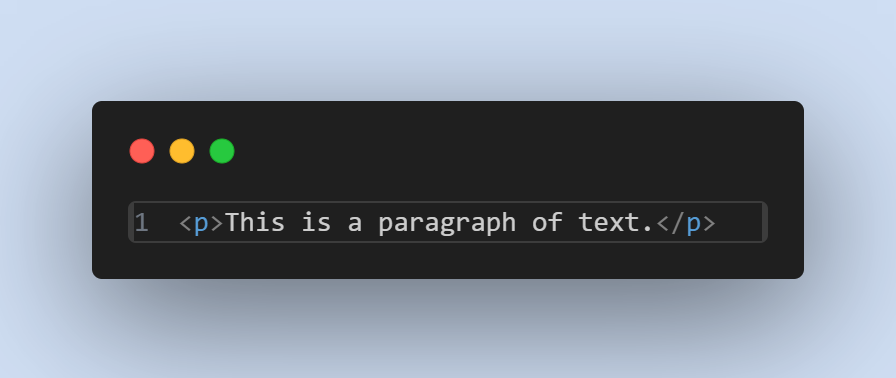
Use the <p> tag for paragraphs.
3. Bold and Italic
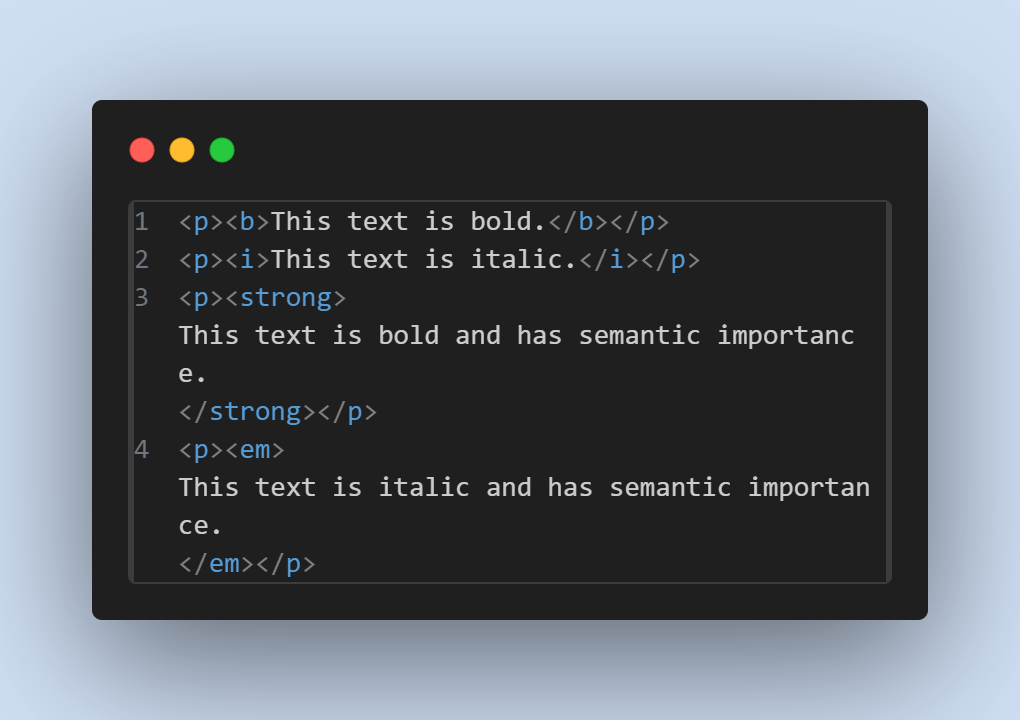
You can make text bold or italic using the <b> and <i>tags,
or use
<strong>and<em> for semantic meaning.
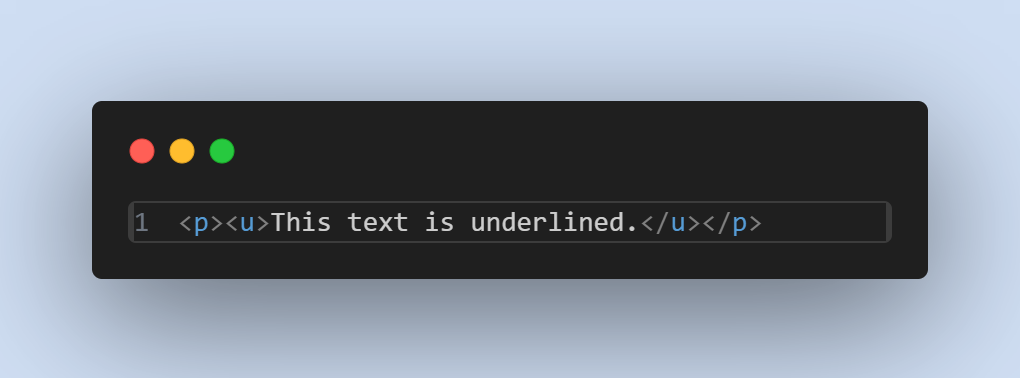
4. Underlined Text
The <u> tag can be used to underline text, though it's generally recommended
to use
CSS for styling.
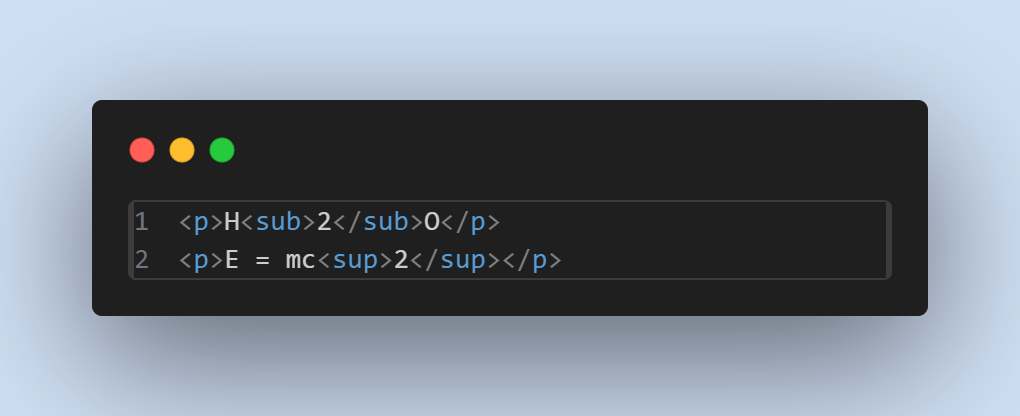
5. Superscript and Subscript
The <sup> and <sub> tags are used for superscript and
subscript
text.
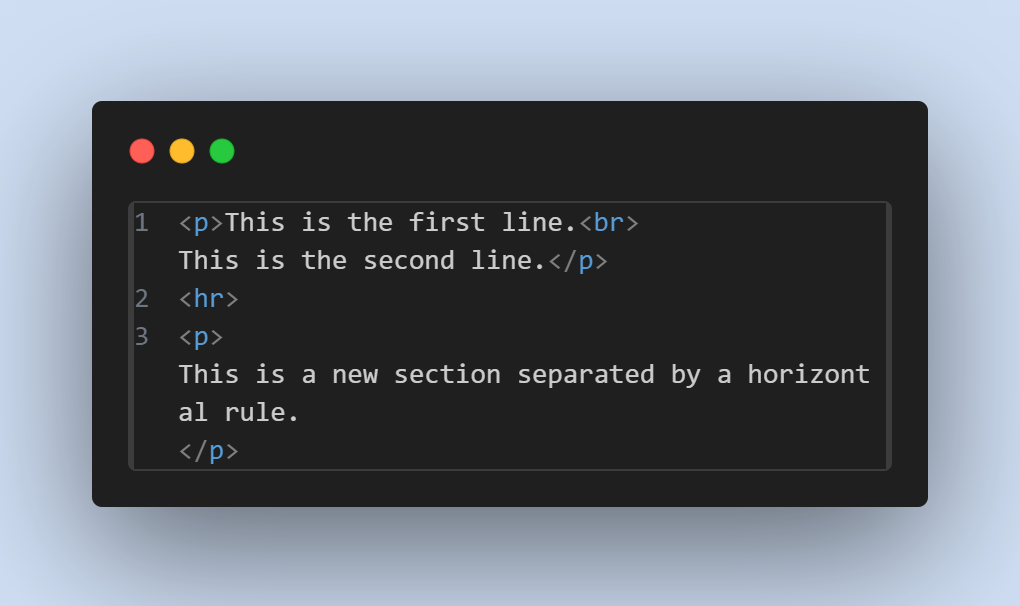
6. Line Breaks and Horizontal Rules
Use <br> to insert a line break and <hr> for a horizontal
rule.
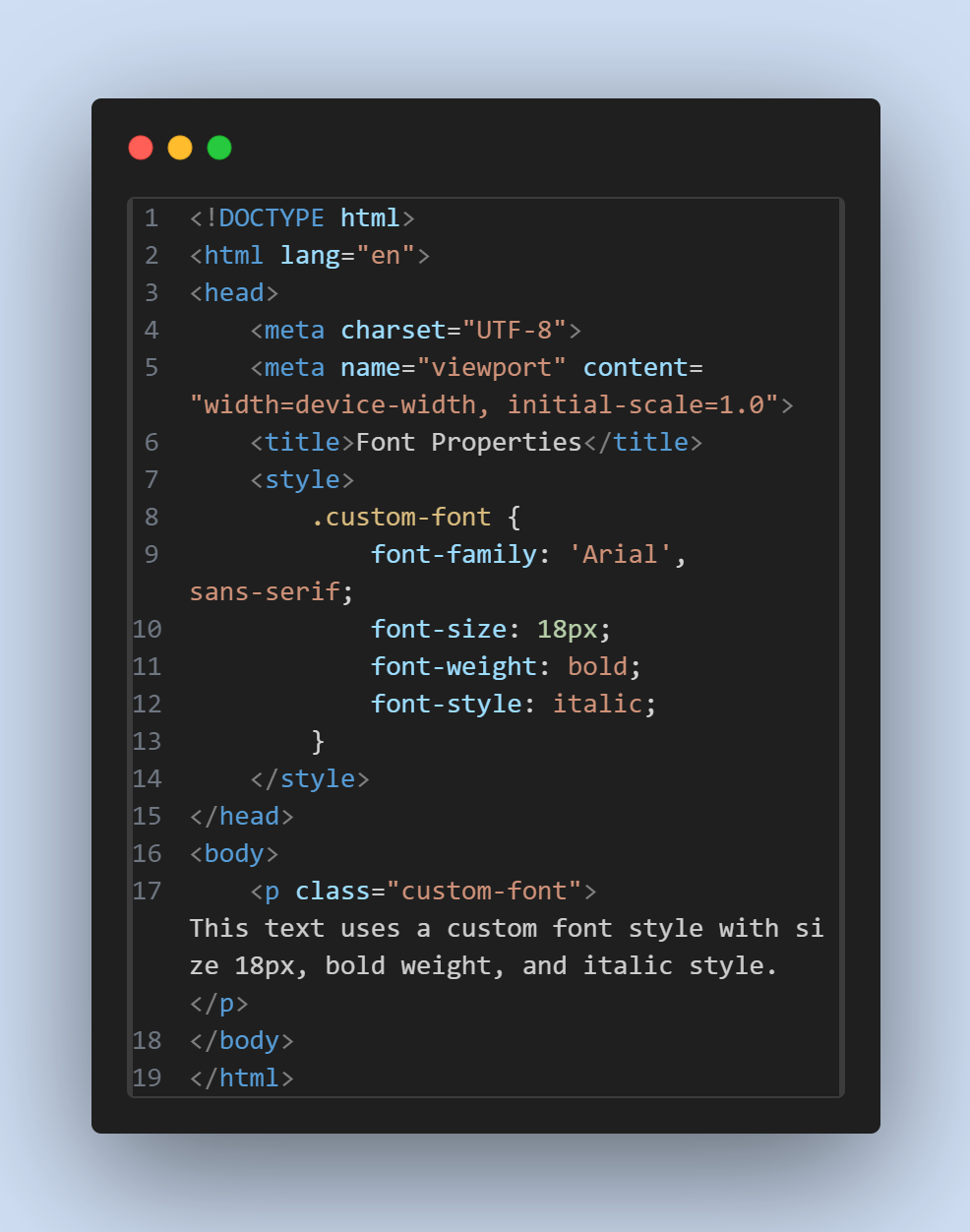
1. Font Properties
- Font Family: Specify the font type.
- Font Size: Set the size of the text.
- Font Weight: Control the thickness of the text.
- Font Style:Apply styles such as italic or oblique.
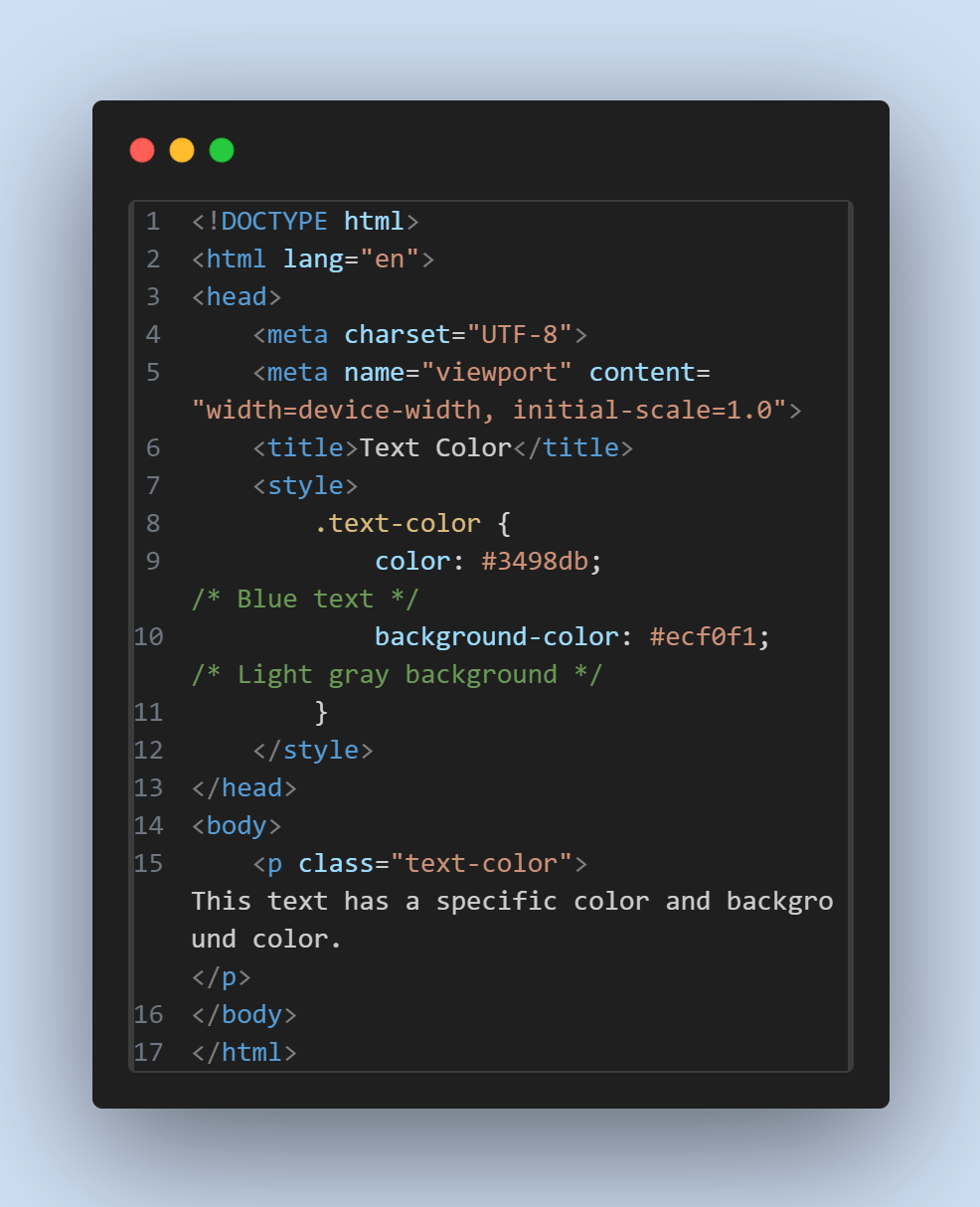
2. Text Color and Background Color
3. Text Alignment
- Left, Right, Center, and Justify alignments can be set using the text-align property.
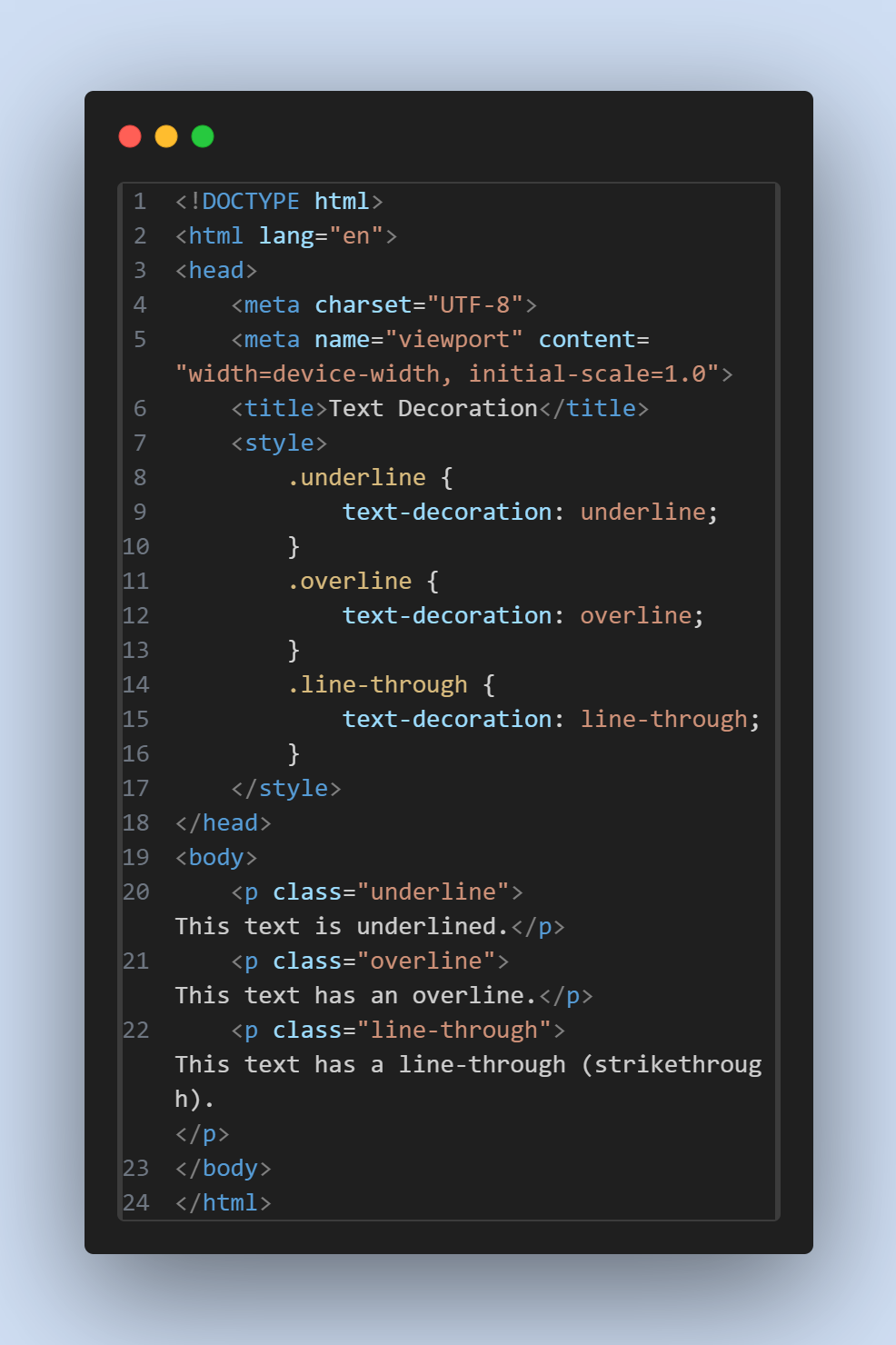
4. Text Decoration
- Underline, Overline, Line-through
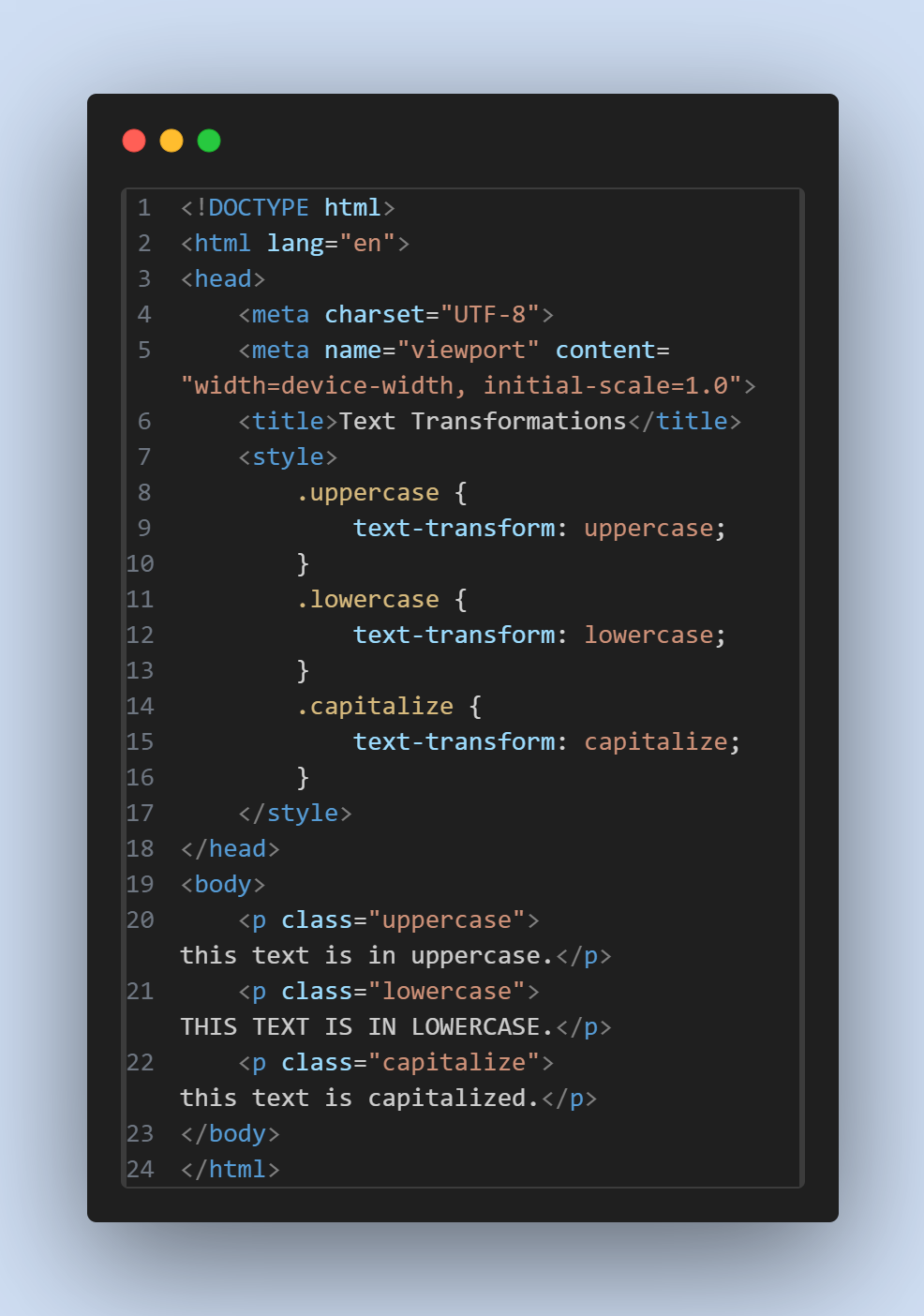
5. Text Transformations
- Uppercase, Lowercase, Capitalize